01 SOURCE IMAGE
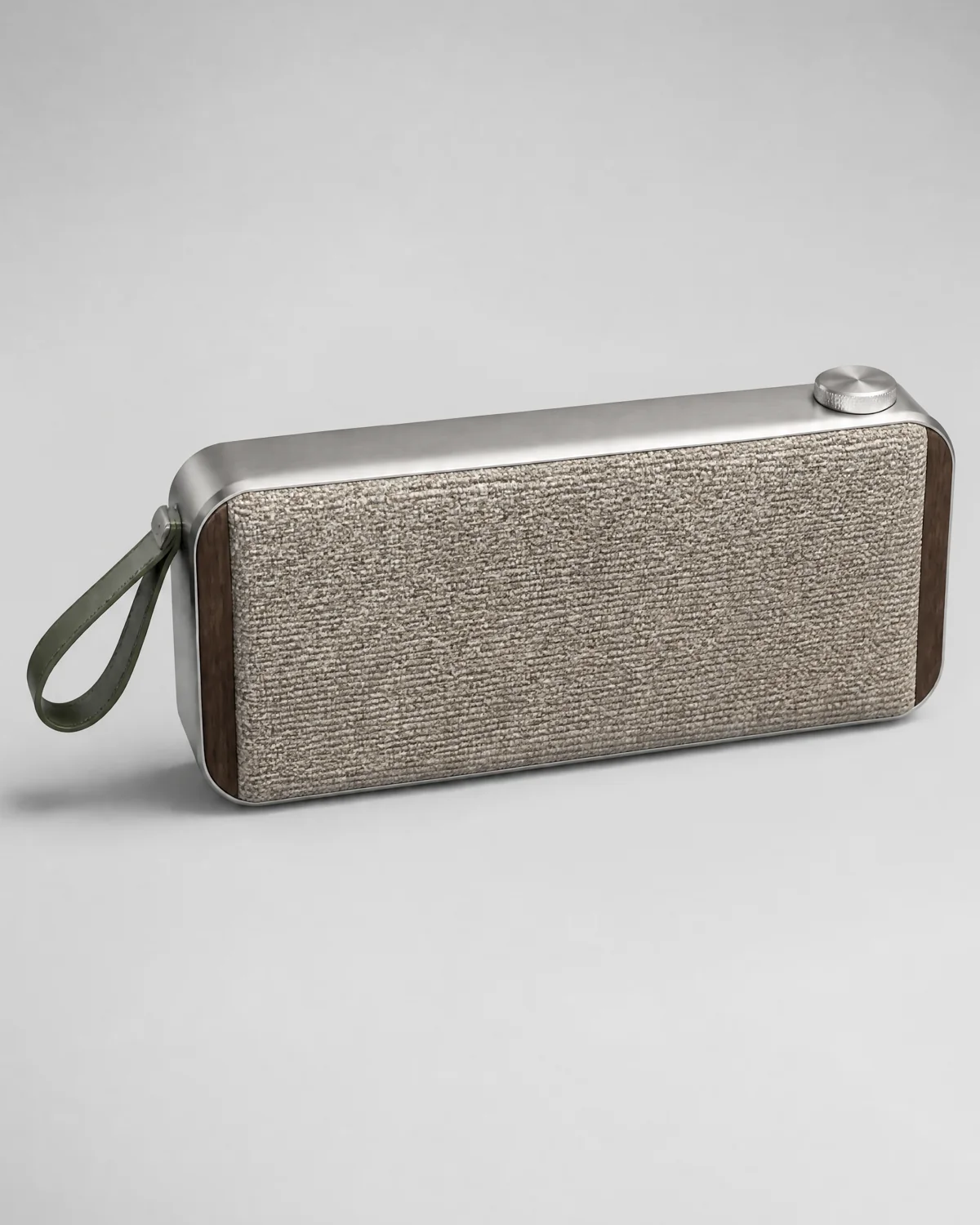
Start with a clear product photo.
Create polished product scenes, remove backgrounds, and refine ecommerce photos without a studio.
SOURCE
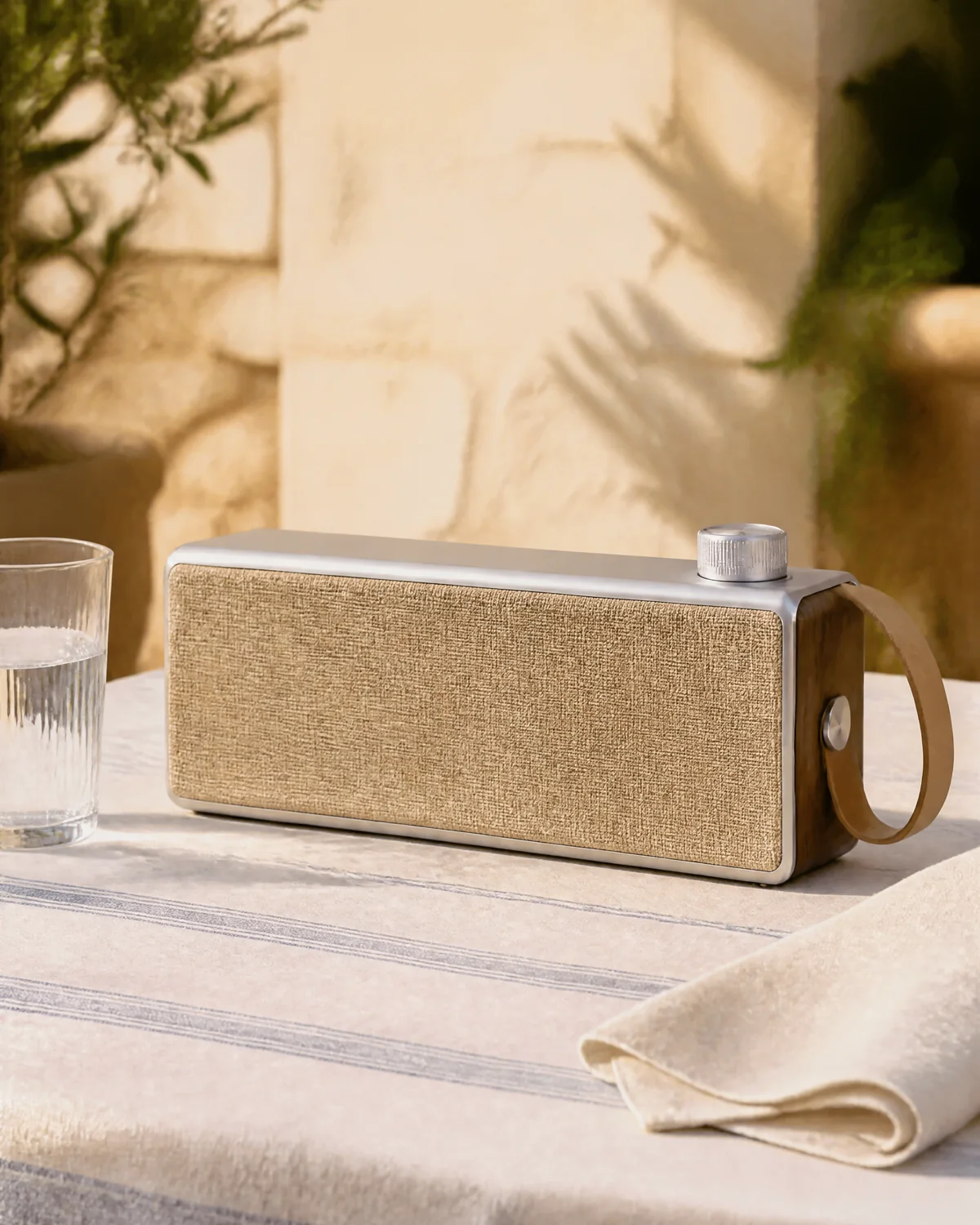 SCENE
SCENE
ONE FOCUSED WORKSPACE
Start with a free cutout, build campaign-ready scenes, make precise edits, or process a complete catalog.
Remove a background and export a transparent PNG in your browser.
Remove backgroundPlace a real product into polished commercial scenes from a prompt.
Create product photosSelect an area, describe the change, and continue from any generated version.
Open image editorProcess up to 20 product images and download every result in one ZIP.
Start a batchBUILT AROUND THE PRODUCT
Use one source image across transparent cutouts, commercial scenes, and precise local edits.
Start with a clear product photo.
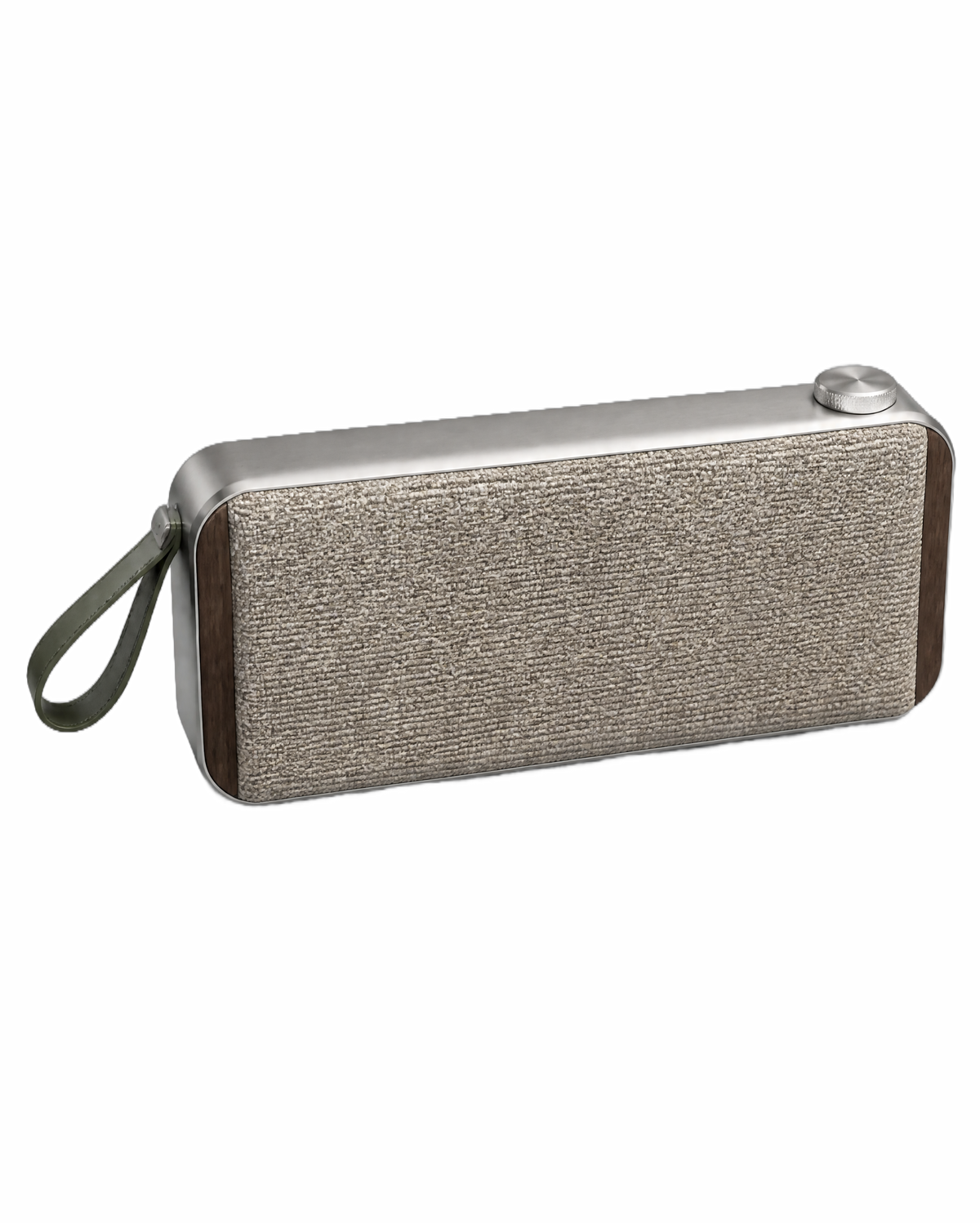
Remove the background for listings and design work.
Build a commercial scene around the product.
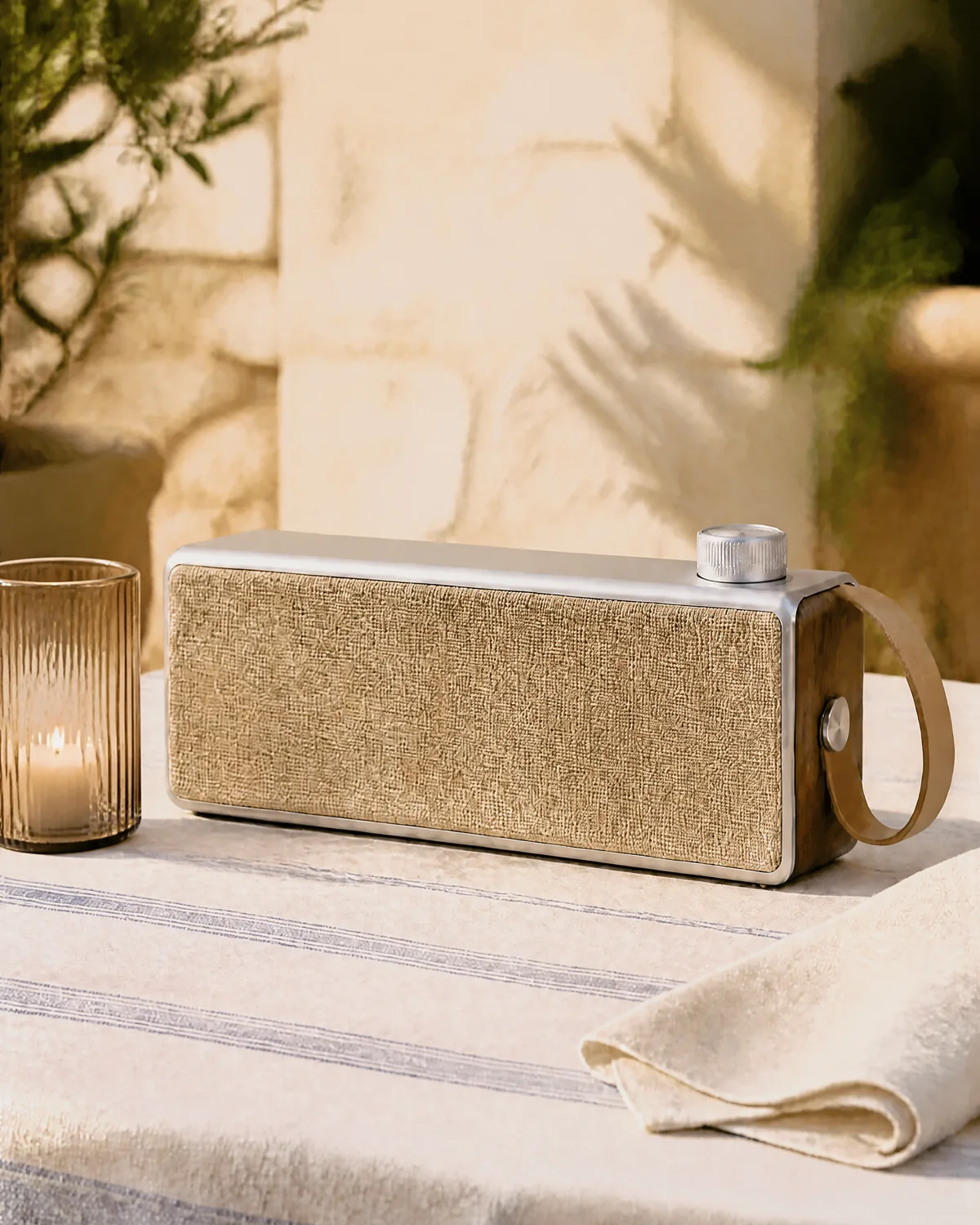
Replace one selected detail without rebuilding the scene.
SIMPLE BY DESIGN
Use a clear source photo and add an optional scene reference when needed.
Control the result without learning a complex design application.
Review the result, continue editing, and export the size you need.
BATCH PROCESSING
Upload a product set, follow every task in the queue, and download completed cutouts together.
SIMPLE PRICING
One-time payment. No automatic renewal. Credits remain available for 30 days, and a new purchase extends the account expiry date.
FAQ
The browser-based background remover is free. Product generation, AI editing, batch processing, purchases, and credit history require an account.
A credit is reserved when a paid task starts. The final charge is calculated from the successful API response, and any unused reserved amount is returned.
A failed task does not keep its reserved credit. You can retry after reviewing the error.
Yes. Batch Background Remover accepts up to 20 images per active batch and packages completed results into a ZIP file.